Scam awareness
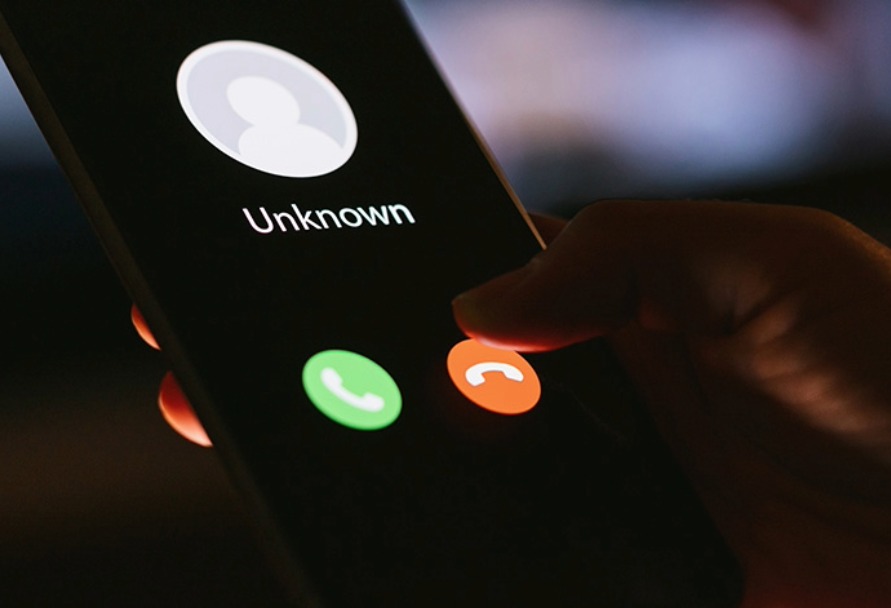
Scammers may pretend to be Black Hills Energy to try to get your personal or financial information. We will never ask for sensitive information during an unsolicited phone call or an unannounced visit.
If you receive a suspicious call or visit and have questions, contact our customer service center directly at 888‑890‑5554. We’re here to help you confirm whether a communication is legitimate.
How to protect yourself from fraud
Do not share personal or financial information
Never give out your Social Security number, credit card number, bank account information, or account login details during an unsolicited call or an unannounced visit.
Be cautious of high‑pressure tactics
Scammers often demand immediate payment or threaten service shutoff. If someone claims to represent Black Hills Energy and pressures you to act quickly, hang up.
Verify before you act
Call Black Hills Energy using the phone number listed on your utility bill or log in to your online account to:
- Check your account status
- Confirm payment options
- Verify whether an employee was scheduled to visit your location
Do not allow unexpected visitors onto your property
If you do not have a scheduled appointment or have concerns about someone’s identity, do not let them enter your property.
Use official channels for payments and account access
Payment options and account access are available through this website and our customer service center.
Cybersecurity
If you connect it, protect it
Whether it’s a computer, smartphone, gaming console, or other network connected device, keep it secure by installing the latest operating system, antivirus and web browser updates. Change default passwords on any new device you set up. Never plug in an unknown USB drive, even if you find it in a parking lot or receive it unexpectedly in the mail, as these are often used in scams. Finally, regularly back up irreplaceable data such as photos and personal documents.
Secure your Wi Fi network
Your home wireless router is often the main gateway to your connected devices. Protect your network by changing the factory default username and password and using strong, unique credentials.
Double your login protection
Enable multi-factor authentication (MFA) whenever it’s available. MFA adds an extra layer of security and helps ensure that only you can access your accounts — especially email, banking, social media and other services that require a login.
Keep tabs on your apps
Many devices, appliances and even toys rely on mobile apps. Over time, your phone or tablet may accumulate apps you no longer use or apps with permissions you didn’t realize you approved. These apps could collect personal information or put your privacy at risk. Only download apps from trusted sources and periodically review and remove apps you don’t need.
Think before you click
Scammers often use emails, text messages and social media posts with urgent language, suspicious links, or unexpected attachments to trick people into sharing sensitive information or sending money. If something seems unusual or too good to be true, pause and verify before clicking or responding.